
Keep personal documents out of sight and hide entire folders, including all their contents. When you share your Mac, or while you work on something private, File Privacy keeps those files less visible in everyday use, and you can show them again whenever you need them.

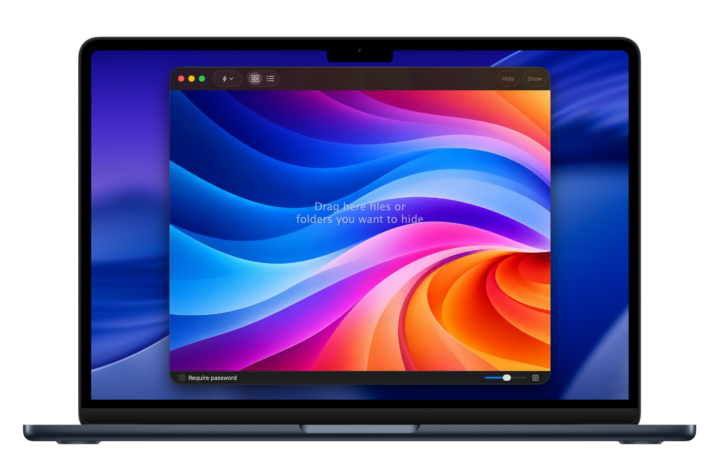
Designed for your Mac
A familiar interface that makes hiding and managing files simple.
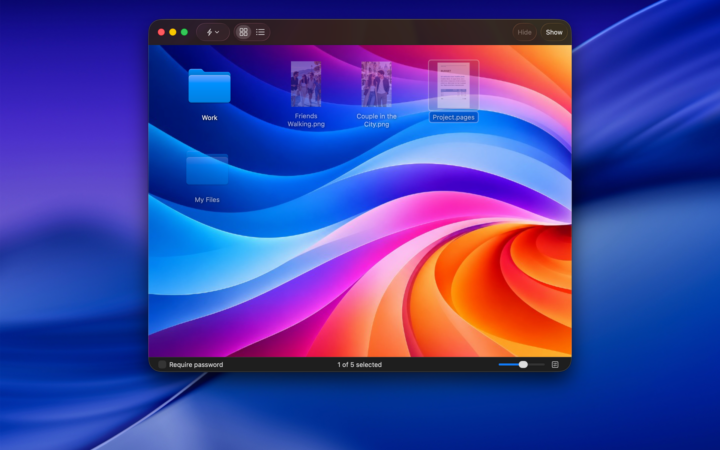
A familiar interface makes File Privacy easy to use. Previews help you recognize files and folders at a glance. If an item cannot be found in its original location, for example because an external drive is disconnected, simply reconnect the drive and the item will reappear in your list.
More privacy in everyday use
Keep personal and work-related files out of sight.
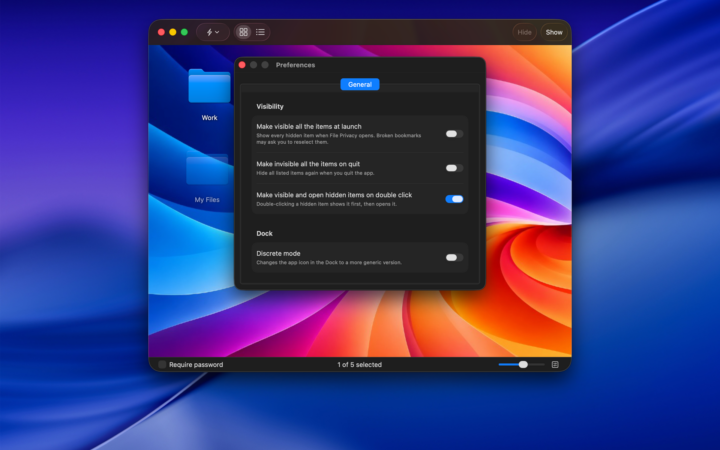
Share your Mac with others? When working on important projects, you can hide related files and folders to reduce the chance of someone accidentally opening or modifying them. On your home computer, you can also keep personal documents out of sight of other family members. Recent Items give you quick access to files and folders you’ve opened recently. With Discreet Mode, File Privacy can display a generic icon in the Dock instead of its usual app icon, so the app is less recognizable while you’re using your Mac.
Protect app access
Choose how to authenticate when opening File Privacy.
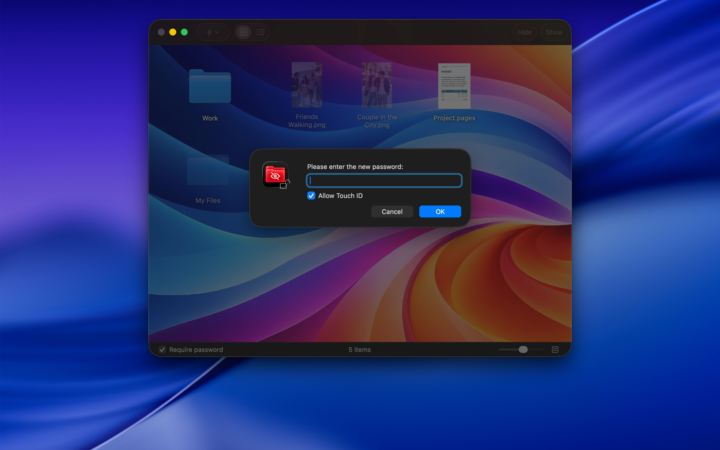
On compatible Macs, you can use Touch ID to unlock File Privacy. Alternatively, authenticate using your Mac login password or the password you’ve set in File Privacy.
Security information
Understand what hiding files does and doesn’t protect.
File Privacy uses standard macOS features to hide files and folders. Hidden items remain on your computer and may still be accessible to advanced users or through other applications. Hiding files is not the same as encrypting them or protecting them against unauthorized access. File Privacy is designed to keep selected files and folders out of sight, not to provide encryption or comprehensive data protection. For stronger protection, consider using the built-in security features of macOS.