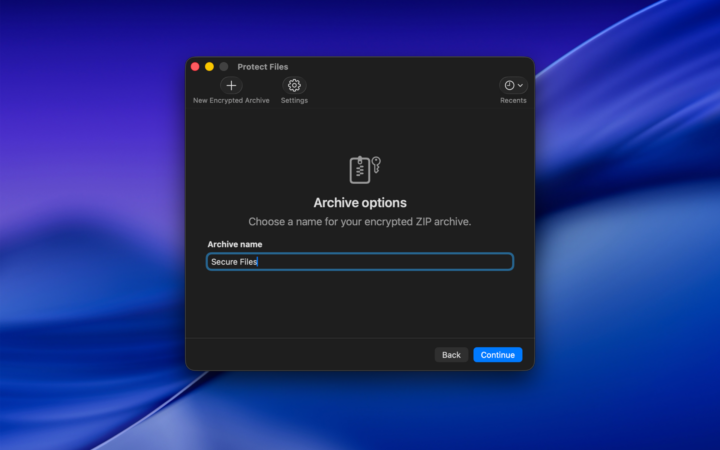

Protect Files makes it easy to create secure archives containing your documents, folders, photos, videos, and other personal or professional files. Simply add the items you want to protect, choose a password, and create an encrypted ZIP archive. Your files stay together in one convenient package, ready to store, share, or access whenever you need them.

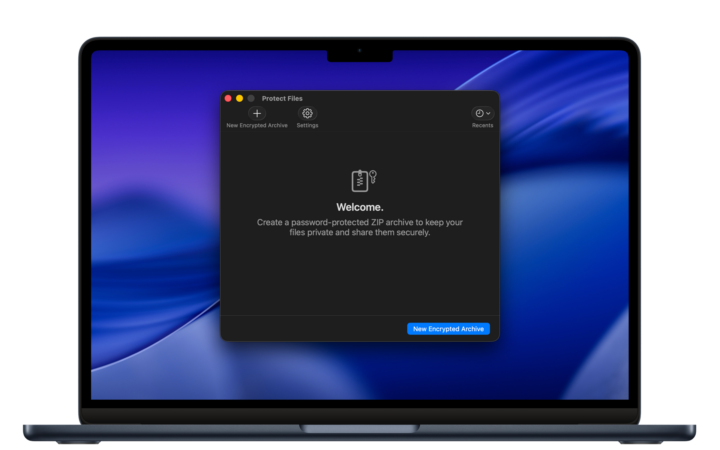
Secure storage, made simple
Create encrypted archives in just a few steps.
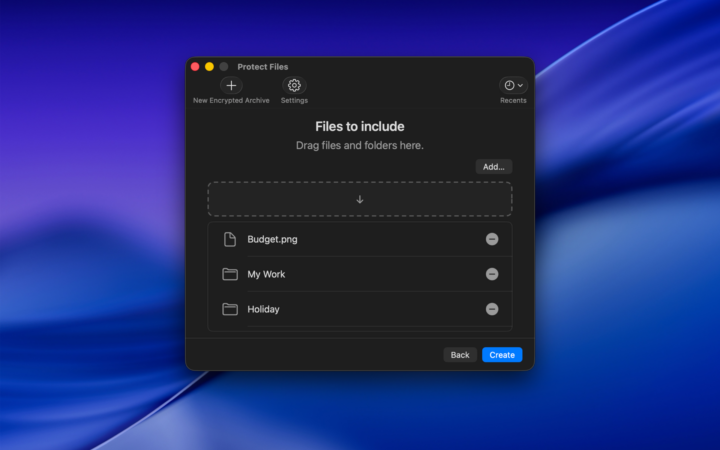
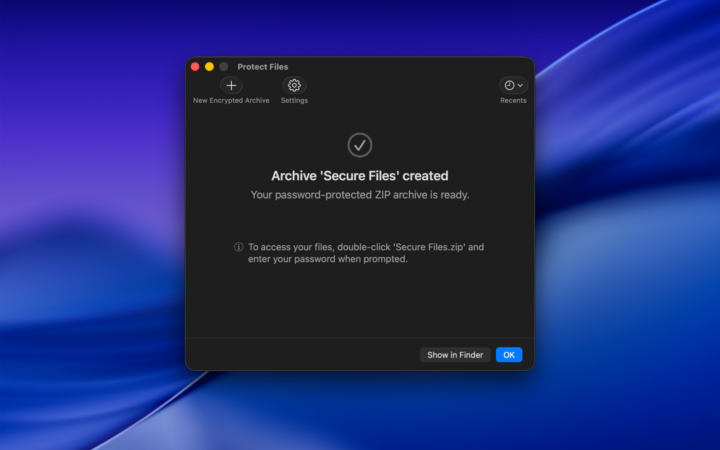
Protect Files takes the complexity out of file encryption. Select the files and folders you want to protect, choose a name and destination for your archive, and set a password. The app guides you through the entire process, making it easy to create an encrypted archive without dealing with complicated settings or technical procedures. Once created, your archive is ready to use and can be stored wherever you prefer.
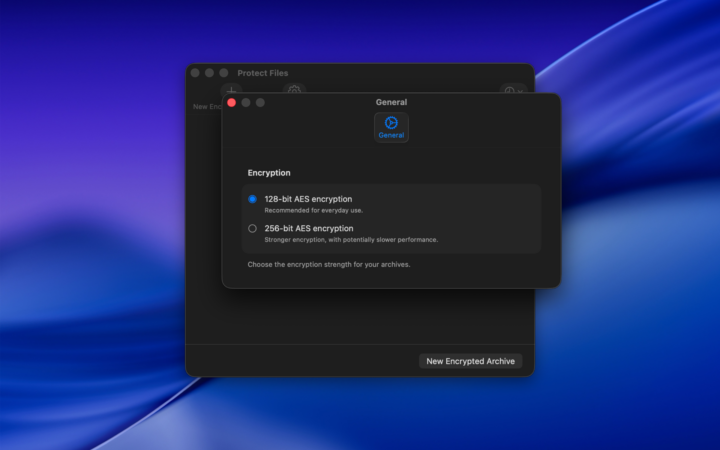
Strong AES encryption
Choose the level of protection you need.
Your privacy deserves reliable protection. Protect Files uses AES encryption to safeguard the contents of your archives, with two encryption strengths available: 128-bit AES for everyday protection and 256-bit AES for an additional level of security. Choose the option that best suits your needs and protect personal documents, confidential information, business files, and other sensitive content with password-based encryption.
Always accessible, only to you
Store, move, and access your archives with ease.
Encrypted archives are saved as standard ZIP files, making them easy to organize, move, and store. Keep them on your Mac, copy them to an external drive or USB flash drive, or transfer them wherever you need. When you want to access your files, simply open the archive using its password and extract its contents. Your protected files remain conveniently grouped together in a single archive.
Designed for everyone
Powerful encryption without the complexity.
Protect Files combines powerful encryption with a straightforward interface designed for everyday use. You don’t need to be familiar with encryption technologies or complicated utilities to protect your information. Everything is organized into a clear workflow, from selecting your files to choosing the encryption strength and creating your archive. Protect Files gives you a simple and convenient way to take control of your private data on your Mac.