
The much-loved Speedy bunny is back! Rebuilt for modern Macs, Speedy brings a familiar companion and a more powerful way to work together. It brings together the things you use most on your Mac: copied text, images and files, recently opened documents, frequently used folders, and favorite applications. Instead of searching through windows, menus and Finder, you can find what you need and get back to work in seconds. Everything is organized in one convenient place, accessible through a floating strip or directly from the menu bar.

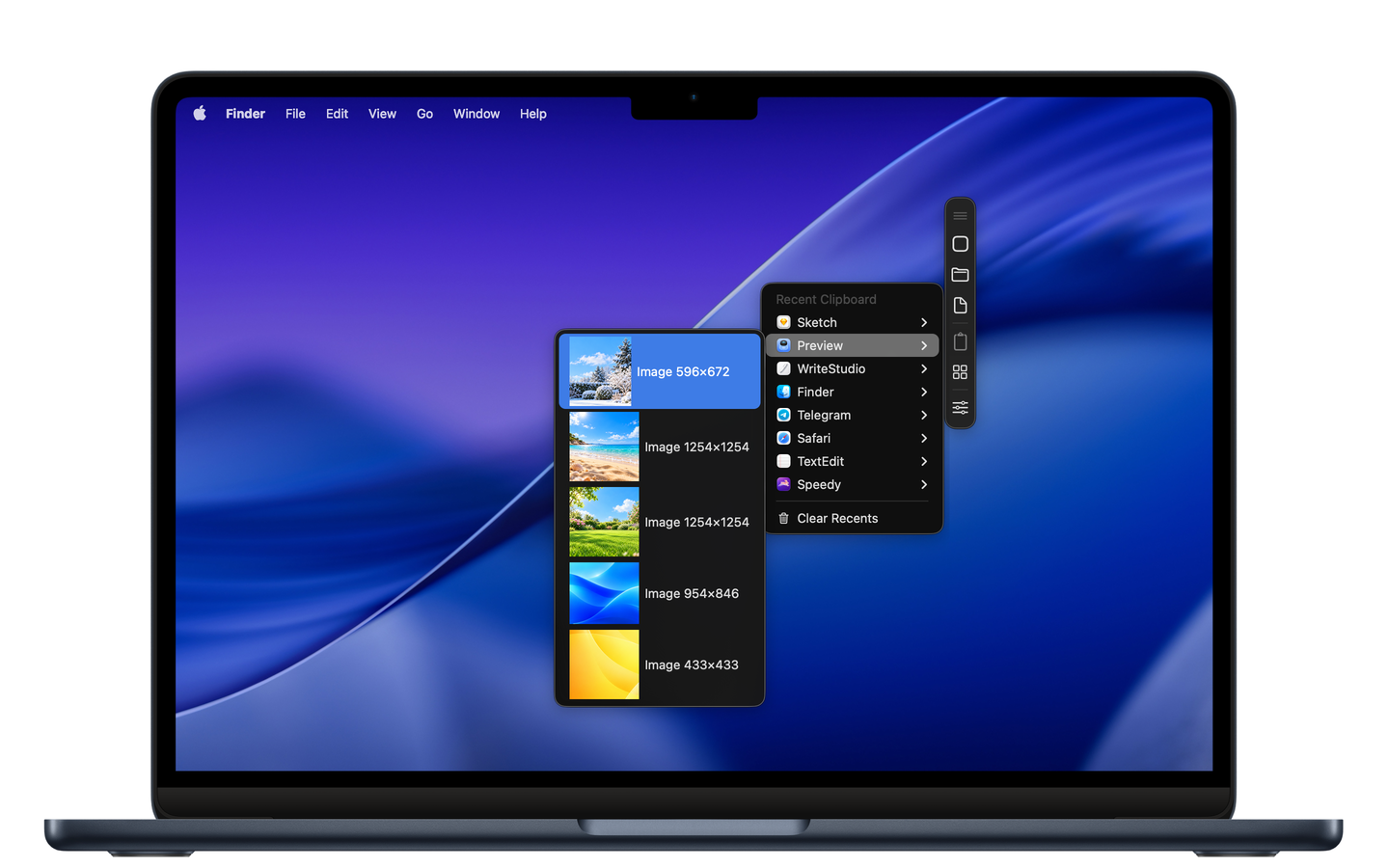
Never lose something you’ve copied
Your clipboard history keeps everything within reach.
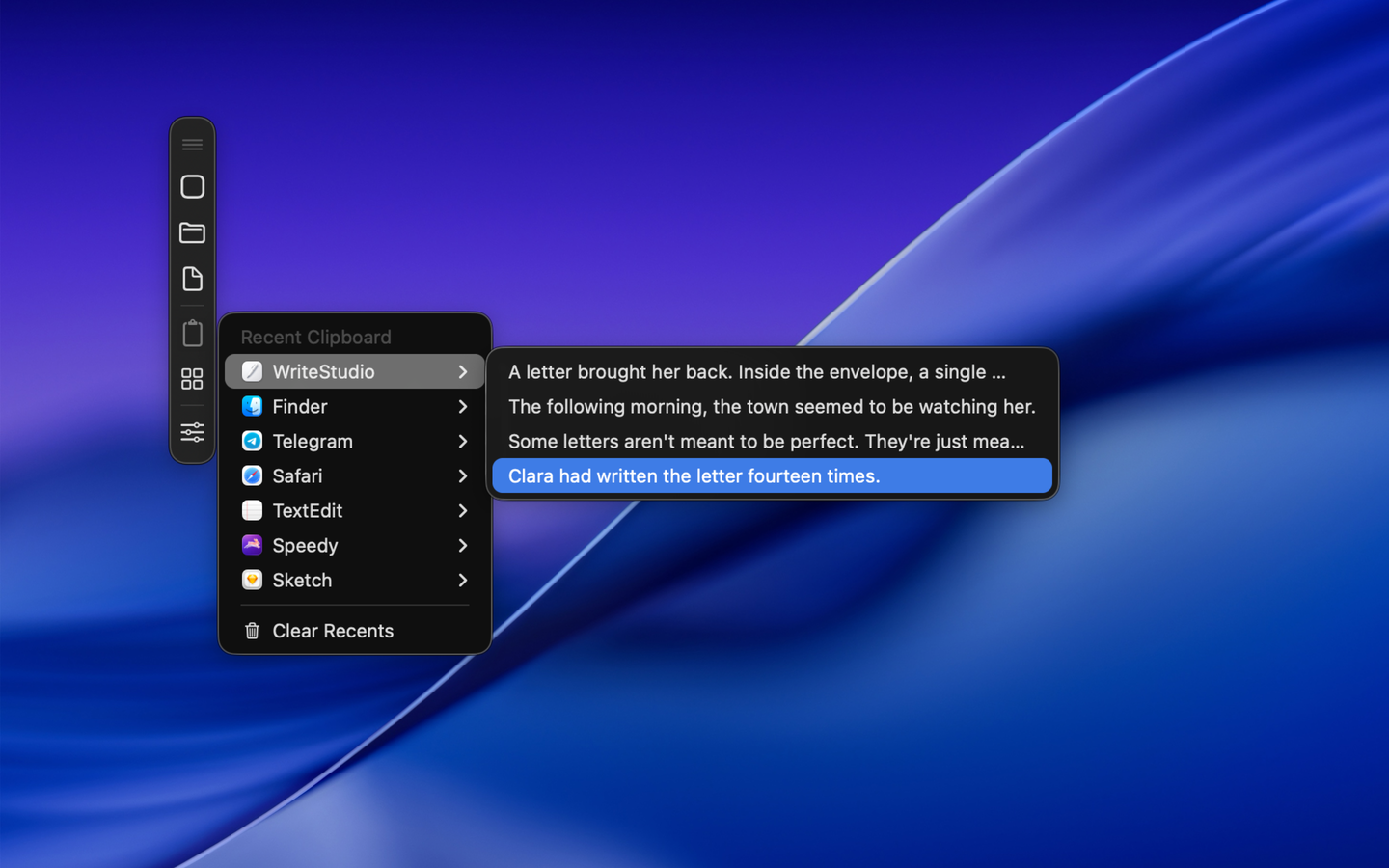
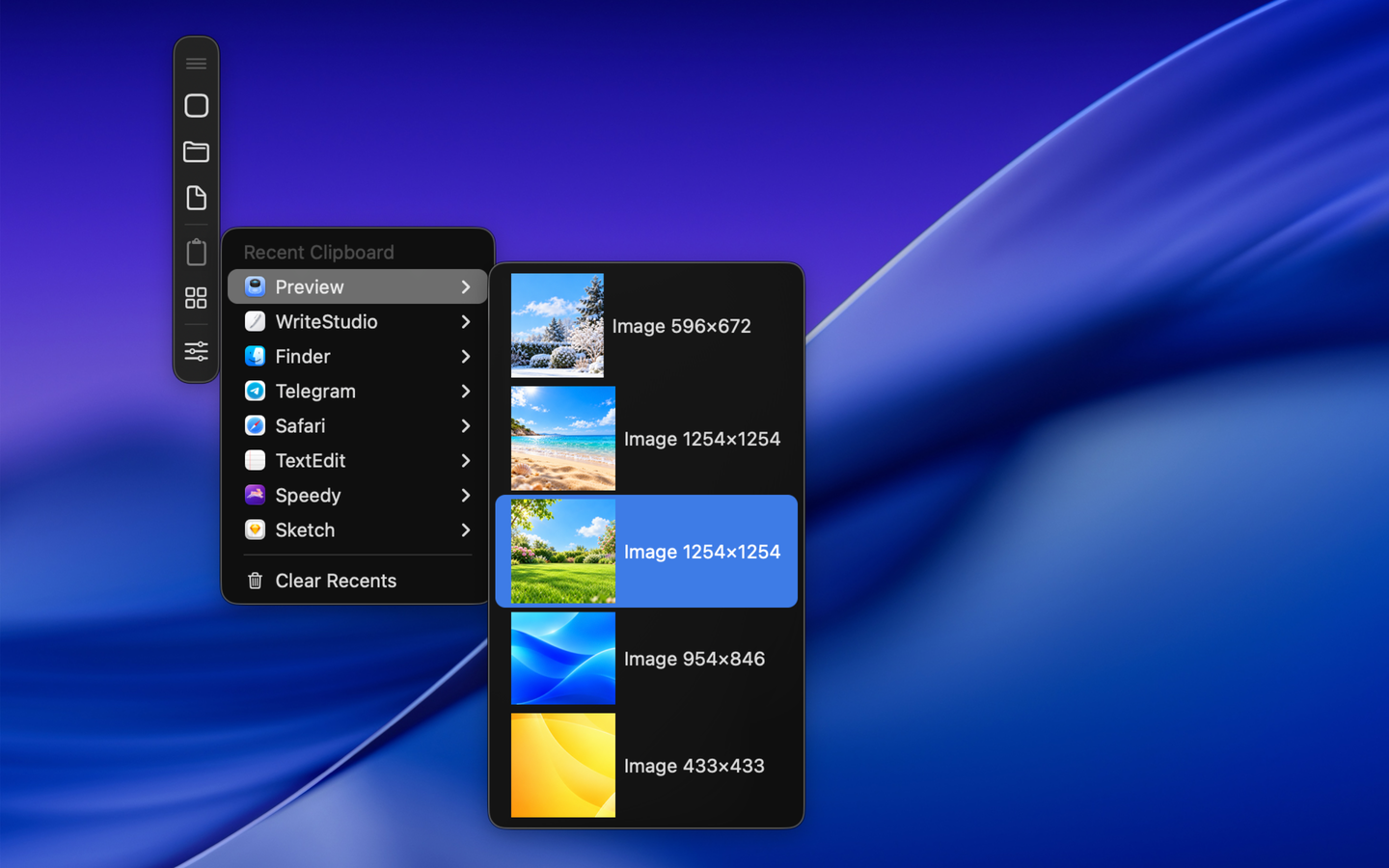
How many times have you copied something, only to realize that you need an earlier item again? Speedy keeps a history of everything you copy, including text, images and files, so you can retrieve previously copied content whenever you need it. Items are organized by the applications they came from, making it easy to recognize what you copied and find it again. Select any item to put it back on your clipboard, ready to paste wherever you need it.
Whether you’re collecting information, working across multiple documents, or moving content between applications, Speedy saves you from repeating the same actions and losing track of useful material.
Pick up exactly where you left off
Your recent documents and folders are always close at hand.
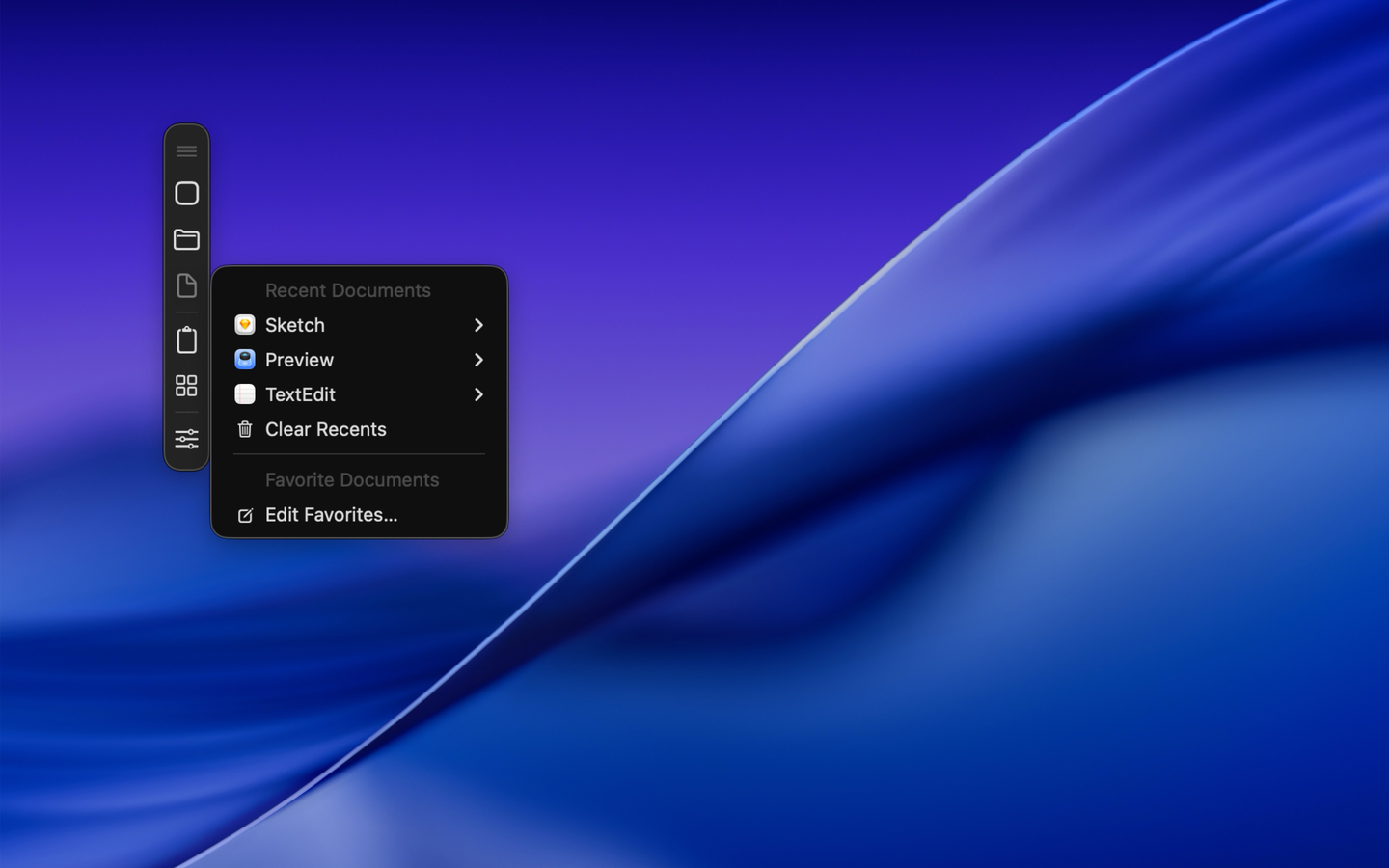
Getting back to something you were working on shouldn’t mean searching through Finder or remembering where you saved it. Speedy keeps track of recently opened documents and recently used folders, organizing them by application and making them easy to find and reopen.
You can also add important documents and frequently visited folders to your favorites. Just drag them onto Speedy to keep them permanently accessible. It’s an effortless way to move between projects and pick up where you left off, without interrupting your workflow.
Your everyday apps, ready to launch
Spend less time looking for applications and more time using them.
Speedy automatically keeps track of recently used applications and lets you create your own collection of favorite apps. Open them directly from the floating strip or menu bar, without searching through Finder or your Applications folder.
You can also see which applications are currently running and switch between them with ease. Need to clear your desktop? Hide all running applications at once, without closing them. Speedy gives you a simpler way to access and manage the tools you use throughout the day.
Fits naturally into the way you work
A floating strip or the menu bar. You choose.
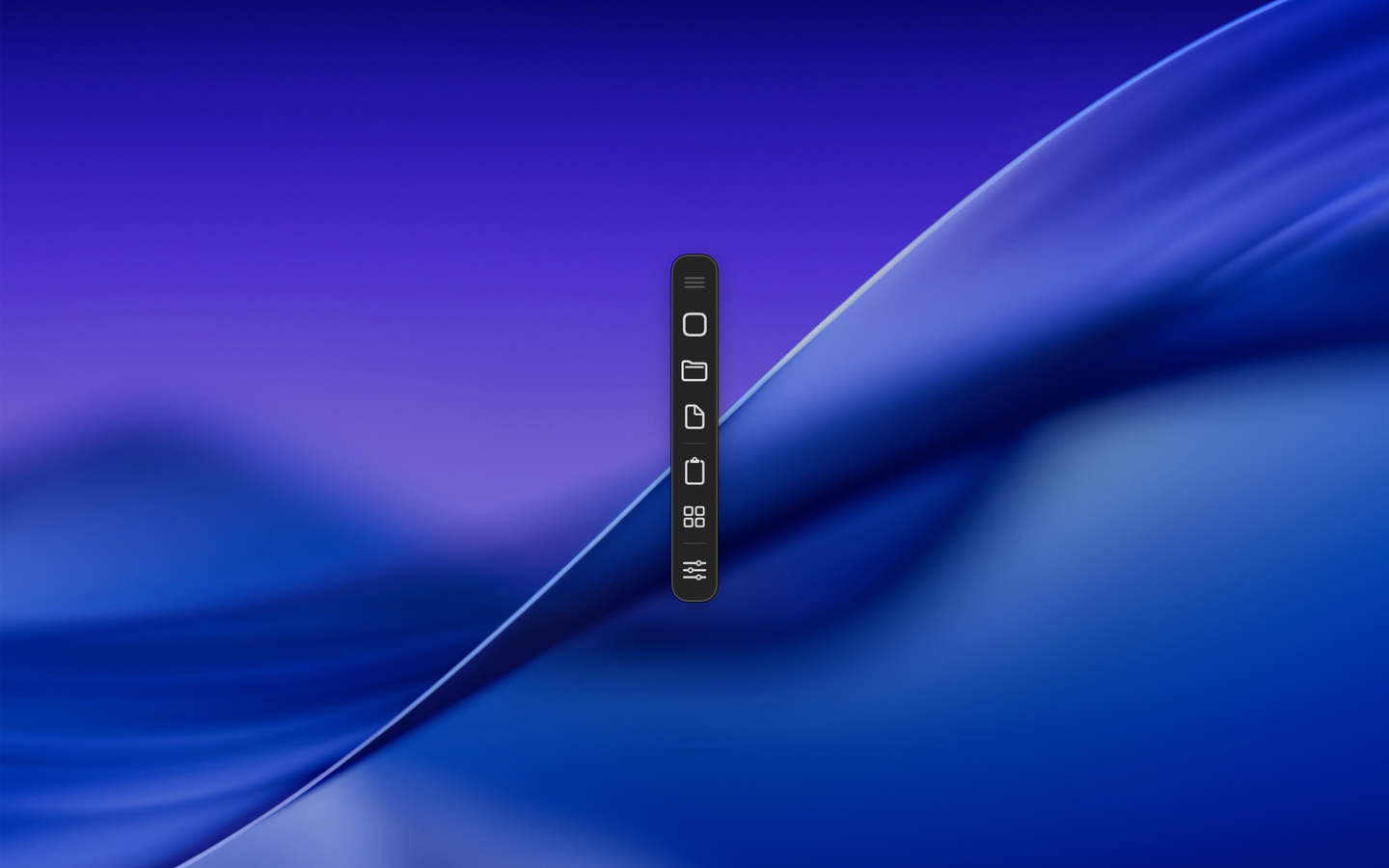
Speedy is designed to stay accessible without getting in your way. Its floating strip remains above your other windows, keeping your clipboard history, documents, folders and favorite apps just a click away. You can position it wherever you prefer, and Speedy will remember its location.
Prefer a cleaner desktop? Use the menu bar instead. Click the familiar Speedy bunny to access the same features through dedicated menus for Apps, Folders, Documents, Clipboard and Running Apps. The bunny is more than just a familiar face: it’s your quick gateway to everything Speedy has to offer.
Both options provide the same functionality, so you can choose the experience that works best for you. Speedy can also launch automatically when you log in, keeping your shortcuts and clipboard history ready from the moment you start working.
Why make Speedy part of your everyday workflow?
Speedy is one of those utilities that becomes more useful the more you use your Mac.
Here’s what makes it worth keeping close:
- Recover copied content: Find previously copied text, images and files without copying them again.
- Keep your clipboard organized: Browse clipboard history grouped by the applications items came from.
- Reopen documents instantly: Return to recently opened files, even after closing them.
- Reach important folders faster: Keep frequently used locations available without navigating through Finder.
- Launch your favorite apps: Access your everyday applications directly from Speedy.
- Switch between running apps: See what’s open and move between applications quickly.
- Choose how you access everything: Use the floating strip or the menu bar, whichever suits your workspace.
- Start working immediately: Launch Speedy automatically when you log in.
Speedy keeps the things you use most just one click away. And yes, the bunny is back.