

October 25, 2026
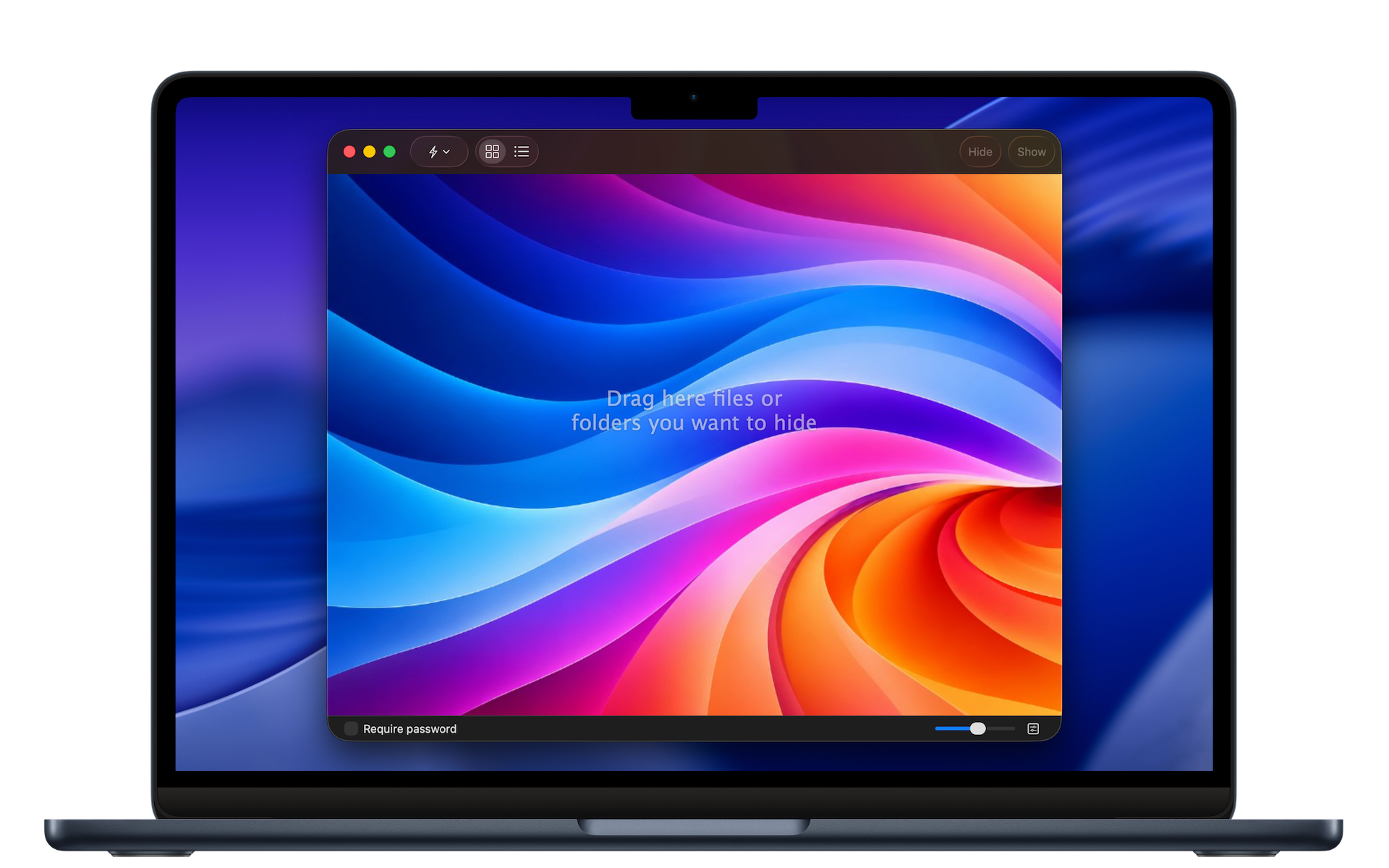
We’re pleased to announce the release of the new File Privacy for Mac, the app formerly known as Hide Folders.
Completely rewritten for modern versions of macOS, File Privacy makes it easy to hide files and folders on your Mac with a single click. Keep personal documents out of sight, hide entire folders and their contents, and make items visible again whenever you need them.
Designed for Modern macOS
File Privacy features a refreshed interface designed to make everyday use simple and intuitive. File and folder previews help you recognize items at a glance, while improved search tools make it easier to find what you’re looking for.
Find Files Faster
Fuzzy Search helps you locate files and folders even when you don’t remember their exact names. Recent Items provides quick access to files and folders you’ve opened recently.
More Control Over Your Privacy
Whether you share your Mac with colleagues or family members, File Privacy helps keep selected files and folders out of sight during everyday use. Discreet Mode can display a generic icon in the Dock, making the app less recognizable while it’s running.
Convenient Authentication
On compatible Macs, File Privacy supports Touch ID. You can also authenticate using your Mac login password or the password you’ve set in the app.
A Fresh Start for a Familiar App
Previously known as Hide Folders, File Privacy has been rebuilt from the ground up for today’s Mac. The new version brings a modern interface, updated functionality, and a more convenient way to manage hidden files and folders.
File Privacy is available on the Altomac Site.
Discover File Privacy: https://www.altomac.com/
