
Apple did not call it a “MacBook Touch.” The official name is longer and more revealing: MacBook Pro with PROLED XDR Display. Pre-orders are open. Machines are due to arrive on November 6. The marketing leads with a screen “come true,” first-time Touch on Mac, and a thinner, lighter shell. That is the public story.
The quieter story is in the footnotes, the technical paper, and the price list next to a second MacBook Pro that Apple is selling at the same time. If you are deciding whether to buy—or deciding whether to wait—those quieter lines matter more than the keynote adjectives.
First, name the machine you are actually buying
There are now two MacBook Pro families on the shelf.
One is the new PROLED XDR line: tandem OLED, Touch built into the panel, Dynamic Island, M5 Pro or M5 Max, Thunderbolt 5, starting at about $2,899 / €3,399 for the 14-inch. The other keeps Liquid Retina XDR (mini-LED), skips Touch, and—on the 14-inch—now carries Apple’s newer M6 chip from a lower starting price (about €2,349 in Italy).
That split is easy to miss in headlines. The flashier laptop does not automatically get the newest base chip. The cheaper 14-inch with M6 is not a “worse PROLED.” It is a different product: more traditional display, no Touch, less money. Confusing the two is how buyers overpay for a feature set they will not use.
What PROLED actually is (and what Apple admits about OLED)
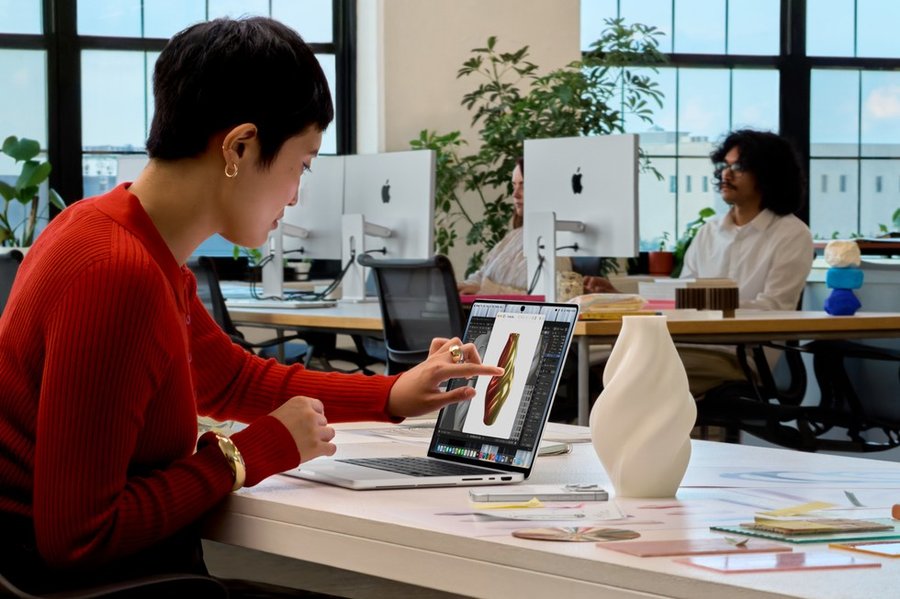
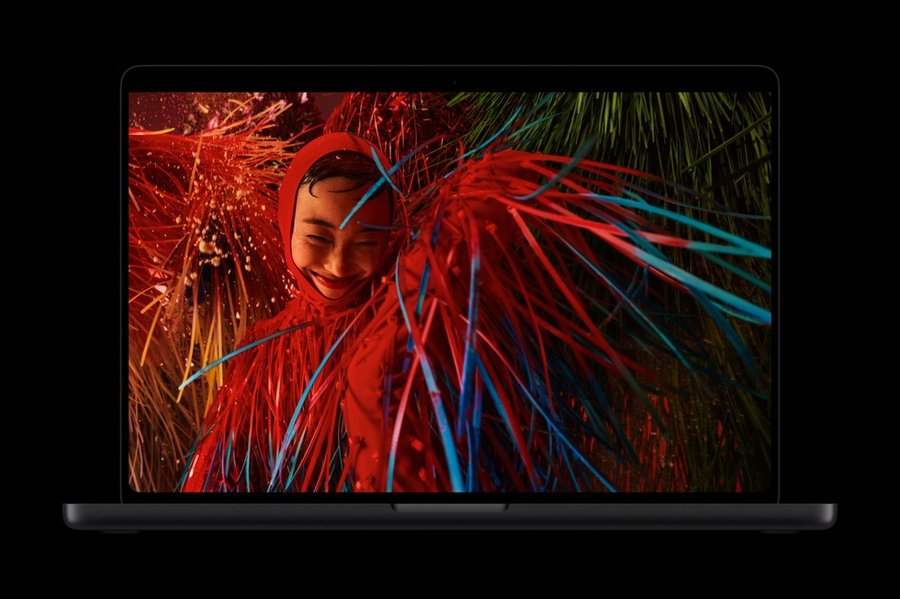
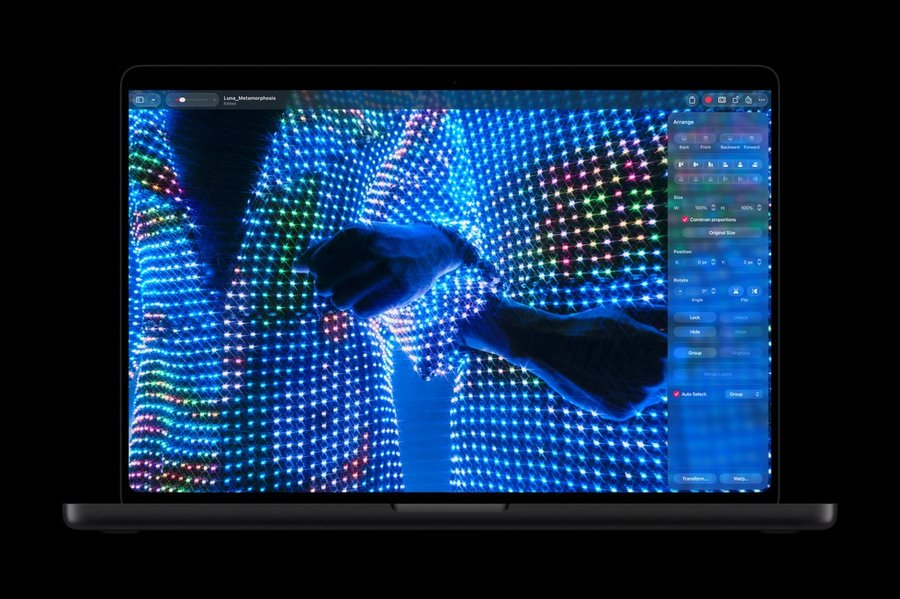
PROLED XDR is Apple’s name for a tandem OLED panel: two electroluminescent layers sharing the work of each pixel. On paper that means higher peak brightness, better efficiency, and a longer panel life than single-stack OLED. Specs that will sell the machine in a store: up to 1,000 nits sustained full-screen, 2,000 nits peak HDR and even peak SDR outdoors, a 10,000,000:1 contrast ratio, ProMotion from 10–120Hz, and—less advertised—native P3 and Adobe RGB in a single preset.
The part that circulates less is not a rumor. It is in Apple’s own PROLED technical overview. OLED is organic. Performance is “naturally influenced by usage over time.” Pixel-to-pixel variation, uniformity, off-axis color shift, and burn-in risk are listed as the historic reasons OLED lagged as a pro display. Apple’s answer is an aggressive display engine in M5 Pro and M5 Max that compensates pixels in real time for content, usage, temperature, and ambient light, including “burn-in mitigation.”
That is reassuring engineering—and a polite confession. Software compensation is not the same as immunity. If your day job parks the same UI chrome, timeline, or dock in the same place for years, you should still care how organic panels age. Apple is asking you to trust an algorithm you cannot see. For many people that trust will be earned. For reference-critical color work over a five-year ownership cycle, it is fair to ask for more than a brochure sentence.
Touch on Mac: real, limited, and unfinished in the ecosystem
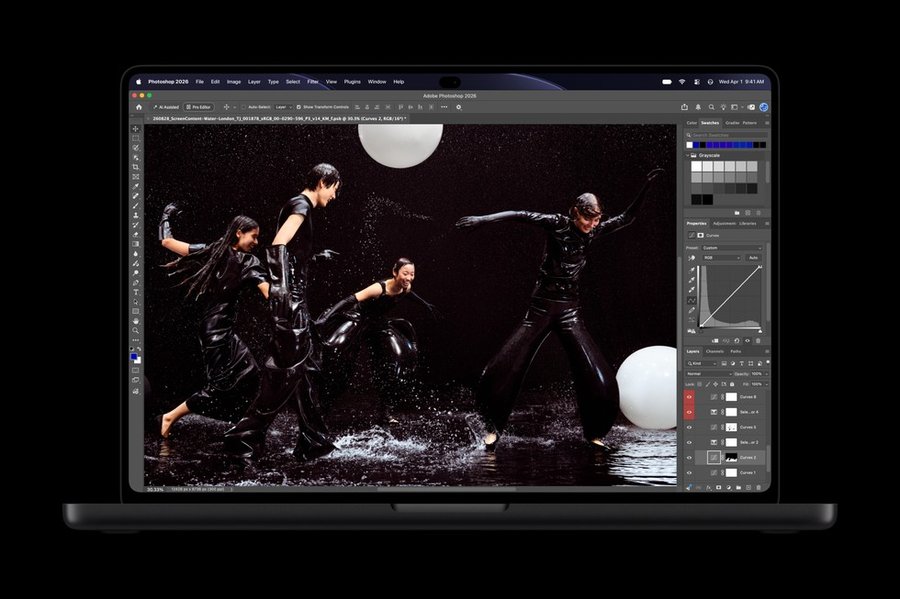
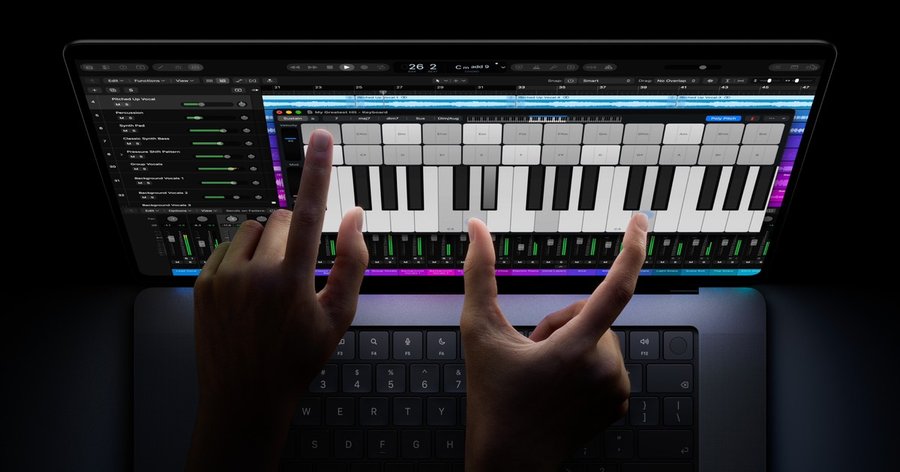
Touch is built into the panel rather than laminated on top, which should help latency and clarity. Apple shows scrolling, pinch-zoom, drawing, onscreen instruments, and testing iPhone/iPad apps on the laptop display. The hinge is stiffened so the notebook moves less when you poke it. Video calls get extra camera stabilization when you are jabbing the screen.
What Apple does not sell hard enough: macOS was not born as a touch OS. First-party apps will be tuned. Third-party tools—the ones many “pros” actually live in—will trail. There is a new API; there is not a guarantee that your editor, CAD package, or DAW will feel native on day one. And unlike iPad, this launch is not wrapped around Apple Pencil as a first-class partner. Fingers and trackpad remain the default story.
Touch will delight some workflows and feel like a party trick in others. Paying a four-figure premium primarily for Touch, before your software stack catches up, is a bet—not a safe default.
The buyer checklist that headlines skip
- Adobe RGB + P3 together. Quietly important for print and HDR video on one laptop. If you only ever ship Rec.709 and sRGB, you will not feel this. If you do print and HDR, you might.
- Nano-texture glass. Optional matte etching for harsh lighting. In Italy it is roughly €165 extra. It helps glare; it is still a texture you have to live with every hour.
- Fixed cinema refresh rates (47.95, 48, 50, 59.94Hz and friends). Buried in the spec sheet. Meaningful for certain film pipelines; irrelevant for email.
- DICOM and reference modes. Apple is aiming this panel at grading suites and even medical imaging workflows. That ambition is real. It does not make every configuration a calibrated reference monitor out of the box for every standard you care about—check the mode list against your work.
- Weight and ports. Lighter shells, Thunderbolt 5, big memory and storage ceilings (up to 128GB unified memory, up to 16TB). The ceiling configs are financially absurd for almost everyone; the mid configs are where the real decisions live.
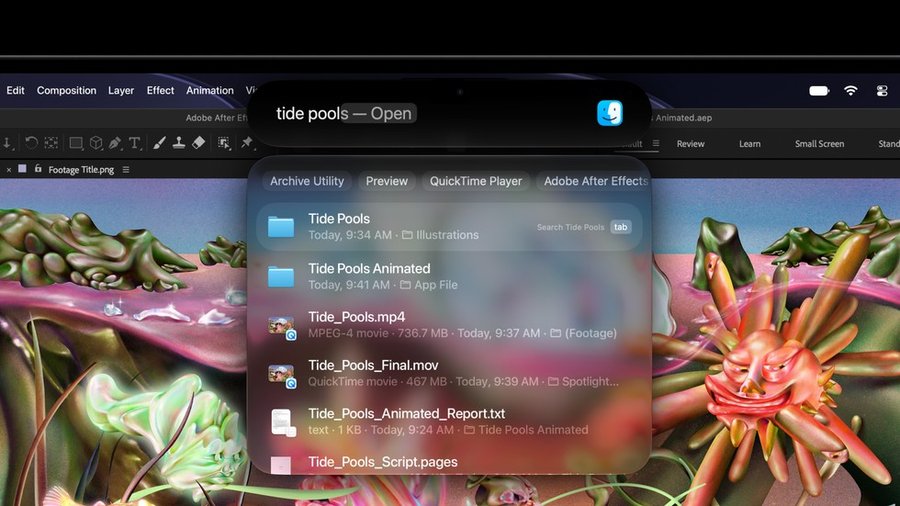
- Dynamic Island on Mac. Spotlight, Live Activities, Siri AI in a capsule. Clever. Also another attention surface on a machine many people buy to focus.

Price, without the perfume
In the U.S., the 14-inch PROLED starts at $2,899; the 16-inch at $3,399. In Italy, the same entry points land around €3,399 and €3,999 before you start climbing M5 Max, memory, and SSD. Education pricing softens it; it does not make it cheap.
Set that next to the 14-inch MacBook Pro with M6 and Liquid Retina XDR at roughly €2,349. More than a thousand euros separates “excellent modern Pro” from “OLED + Touch Pro.” Apple will say you are buying the world’s best laptop display. A skeptical buyer can say you are buying a panel technology tax, a first-generation Touch software chapter, and a chip label that is oddly not the newest base silicon.
Neither sentence is fully wrong. Only one of them should decide your purchase.

Who this is for—and who should walk past the table
Strong fit: color-critical photo and print work that benefits from Adobe RGB on the go; HDR video and grading where deep blacks and peak highlights are daily tools; illustrators who genuinely want the whole panel as a canvas; developers who will test touch iOS/iPadOS builds on the laptop itself.
Weak fit: writers, developers, and office-heavy users who mostly need battery, keyboard, and a sharp SDR screen; anyone upgrading primarily because Touch looks inevitable; anyone who bought a high-end M5 Pro/Max MacBook Pro earlier this year and feels “left behind”—you are missing a display generation and weight, not raw compute.
Also pause if your environment is full of static UI. OLED compensation is sophisticated. Static chrome is still static chrome.
A last word
Apple’s PROLED pitch is not empty. Tandem OLED, in-panel Touch, dual wide gamuts, and a serious display engine are a real step for people who live in pixels. The company even published the uncomfortable words—aging, burn-in risk, compensation—instead of pretending organic panels are immortal.
What it has not earned yet is a blank check. First-generation Touch on macOS will be uneven. The dual lineup makes shopping harder on purpose. The premium over a still-excellent mini-LED Pro is large enough that “because it’s new” is a poor reason.
The final question
On November 6, the machine will exist in stores. The question is not whether the screen is impressive. It will be. The question is whether the work you do every week needs PROLED and Touch enough to justify the price—and the patience—of a first chapter.