

Picture a Mac that never leaves “work mode.” Mail on one side. A browser full of client tabs. A document that has to ship today. A spreadsheet with numbers someone else just changed. You copy a sentence from the email, paste it into the draft, jump back to the browser for a price, copy that too — and then you need the sentence again. The system clipboard has already forgotten it. You dig through windows. You re-copy. You lose the thread.
That is not a niche hobby. It is how a lot of people earn a living on a Mac: support desks, small studios, freelancers, anyone whose job is moving pieces between apps all afternoon. The computer is powerful. The tray next to the keyboard is empty. macOS still behaves as if the last copy is the only copy that matters.
The desk that never holds still
In that kind of environment the Mac is less a single app and more a workbench. You bounce. You paste. You reopen the same folder three times before lunch. You hunt for the PDF you had open an hour ago because the client called back. None of that is dramatic enough for a keynote. All of it burns minutes that never show up on a timesheet.
Apple keeps adding assistants and broader search. Useful for some jobs. Less useful when what you need is simply: the thing I copied two steps ago, the document I just closed, the folder this project lives in, the app I use every morning. Quiet tools for a noisy desk.
A tray for the things you already touched
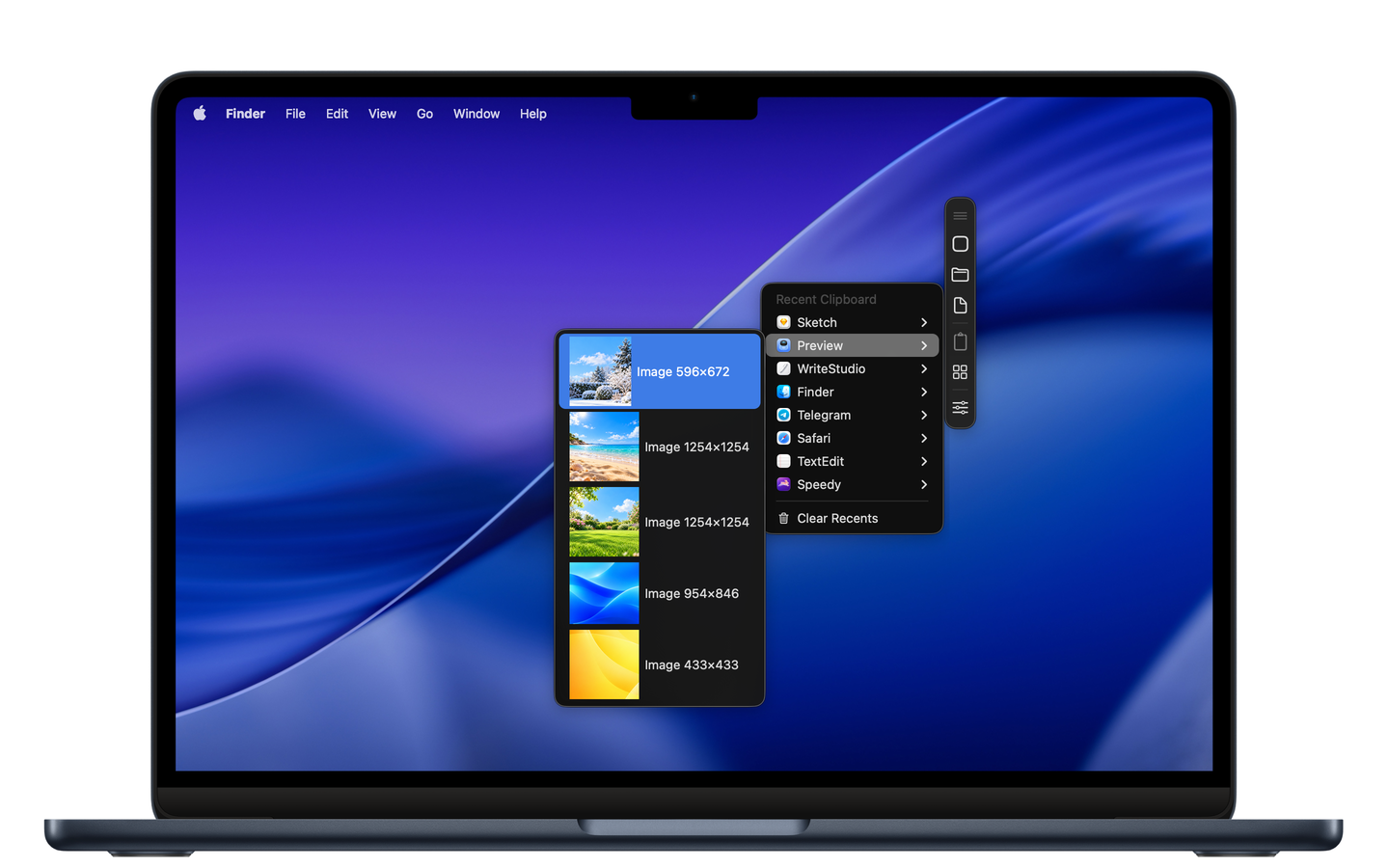
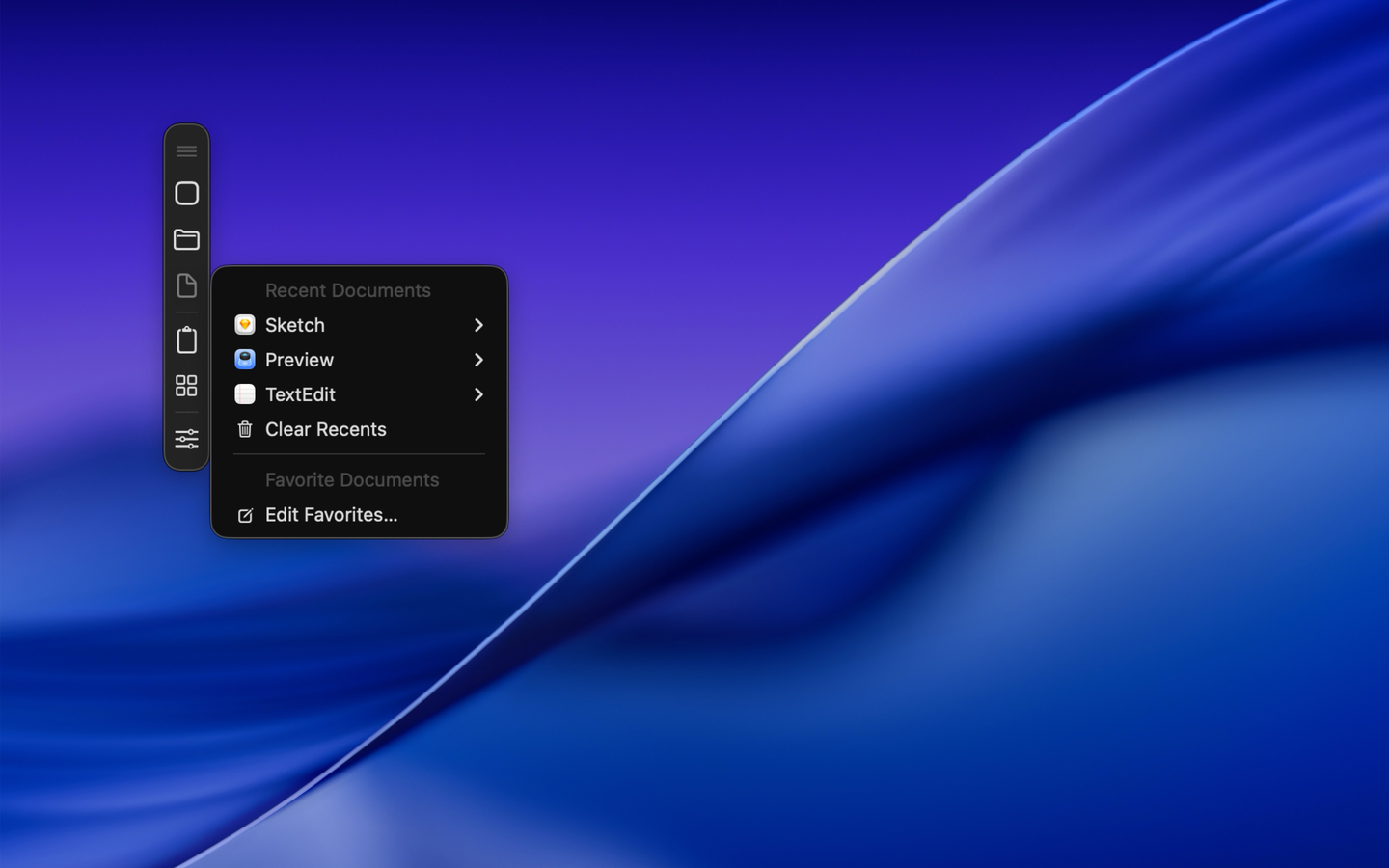
That is the gap Speedy was rebuilt for. Not another AI layer. A companion strip — or the menu bar bunny — that keeps clipboard history, recent documents and folders, favorite apps, and running apps within reach. Text, images, and files you copied stay findable, grouped by the apps they came from. Recent work comes back without a Finder expedition. Everyday apps launch without a trip through the Applications folder.
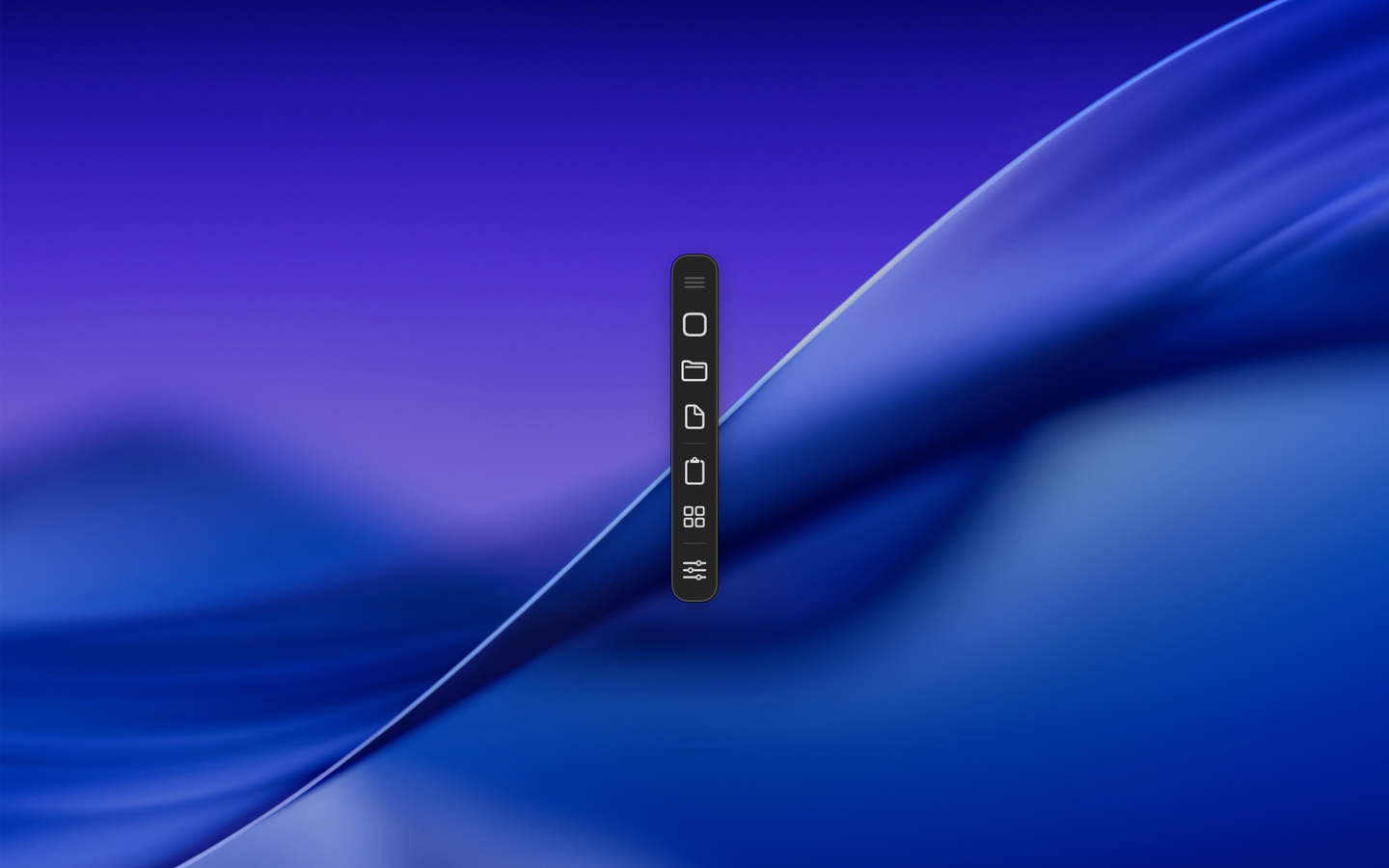
On a busy desk that changes the rhythm. You stop treating every paste as a one-shot gamble. You stop reopening the same client folder from scratch. You hide everything at once when someone walks up to the screen, without quitting the work. The bunny is a joke people remember. The utility is the point.
Who feels it first
Anyone whose Mac is a shared surface for other people’s requests: a one-person studio juggling briefs and invoices, a support person copying serial numbers and replies, an editor moving quotes between research and draft, a small office where the same machine runs mail, browser, and the “official” document of the day. If your work is mostly switching contexts, a single-slot clipboard is a tax. Speedy lowers that tax without asking you to learn a new ideology of productivity.
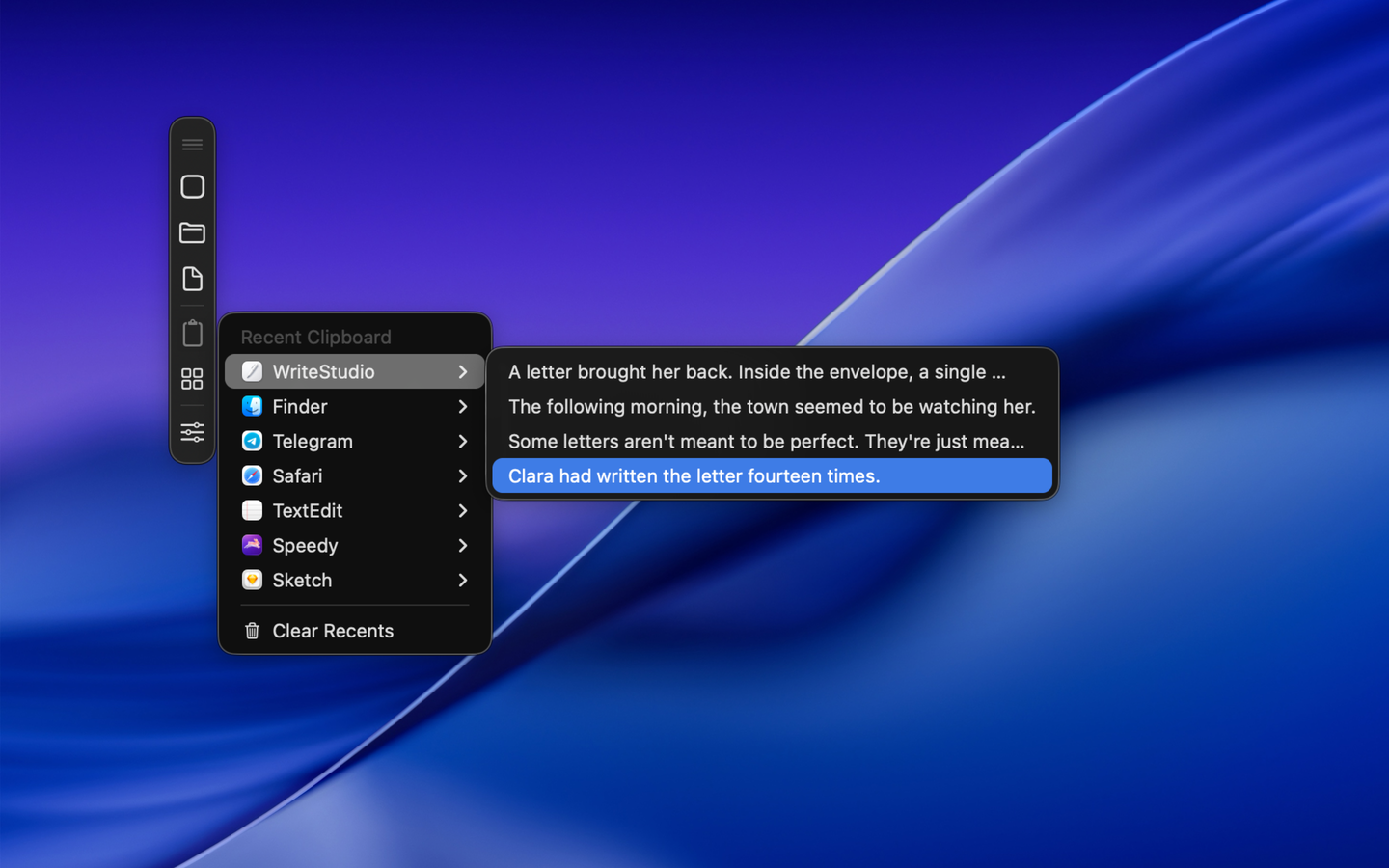
The Mac App Store build covers favorites, recent apps, clipboard history, and hiding apps. The direct download adds Advanced Mode: recent documents, recent folders, and running apps. Same idea either way — keep what you already used close, so the afternoon stays on the work instead of on the scavenger hunt.
Try Speedy: https://www.altomac.com/speedy/
The final question
If your job lives between six apps and one forgetful clipboard, should the Mac keep only the last thing you copied — or the trail of work you already did?