November 12, 2026
We’re pleased to present Compress Files for Mac, rebuilt for today’s macOS.
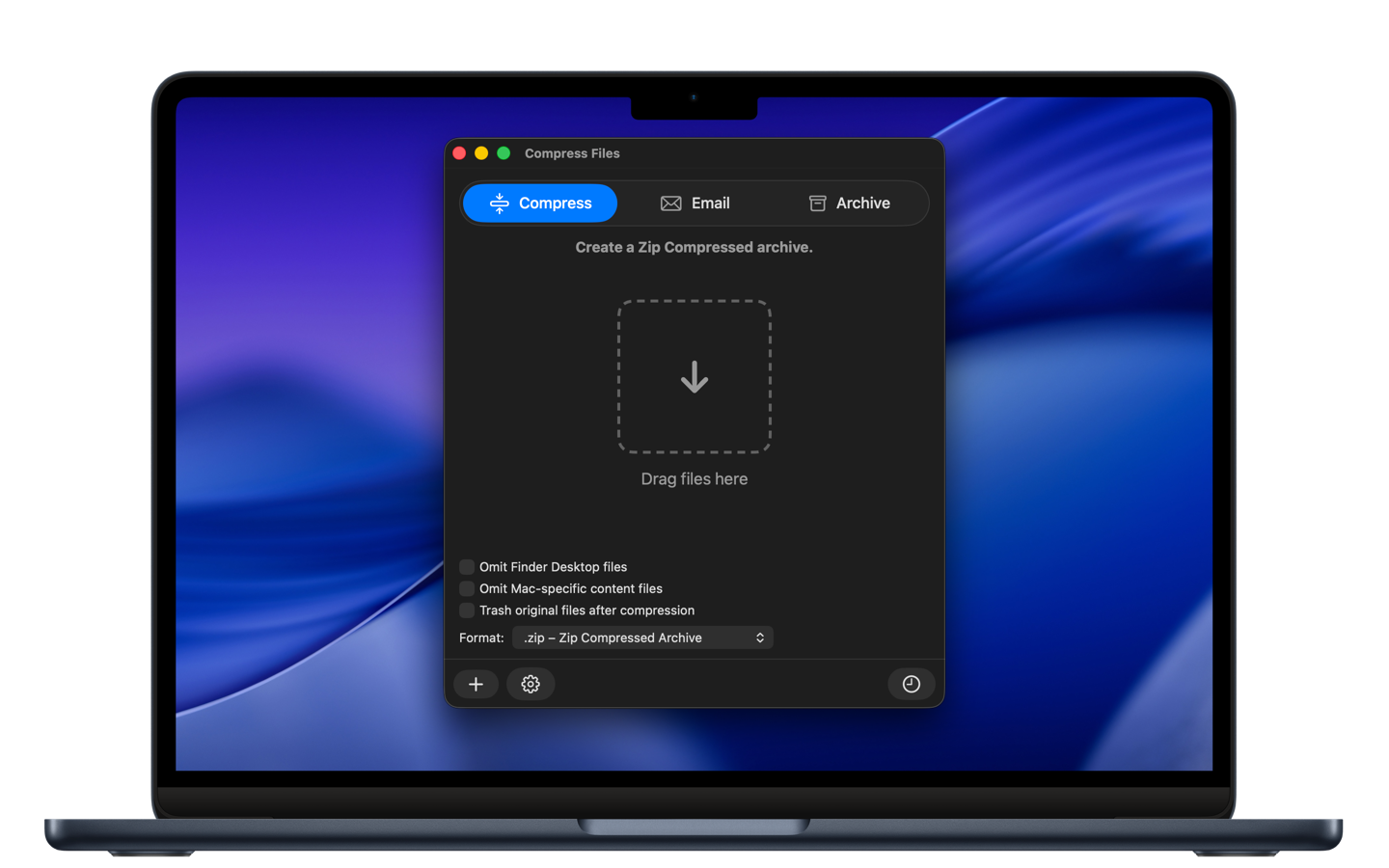
Compress Files is how we wanted archiving to feel on a modern Mac. Drag in the files or folders, or choose Add Items. Name the archive, choose where it goes, and either combine several items into one archive or make a separate archive for each.
The format that fits the file
ZIP and TAR are here, including GZIP (.tar.gz) and BZIP2 (.tar.bz2), along with compressed DMG disk images. When a file should stay private, Compress Files can make a password-protected ZIP or an AES-256 encrypted disk image. An encrypted disk image opens as a volume on the desktop, so the files inside are ready to use.
Cleaner when you share
Archives meant for someone else can leave out Finder files such as .DS_Store and Mac-specific file attributes. That gives Windows and Linux users a cleaner package. Archives you keep for yourself can still include those Mac files.
Straight into a new message
After the archive is created, Compress Files can open a new email with it already attached. You can leave out the extra Mac files before that message goes out.
A folder for what you rarely open
Compressed copies can go into your Archived Files folder, or into another place you choose. Once the archive exists — after compressing, emailing, or filing it away — the original files can move to the Trash.
Compress Files is available on the Altomac site.
Discover Compress Files: https://www.altomac.com/compressfiles/